

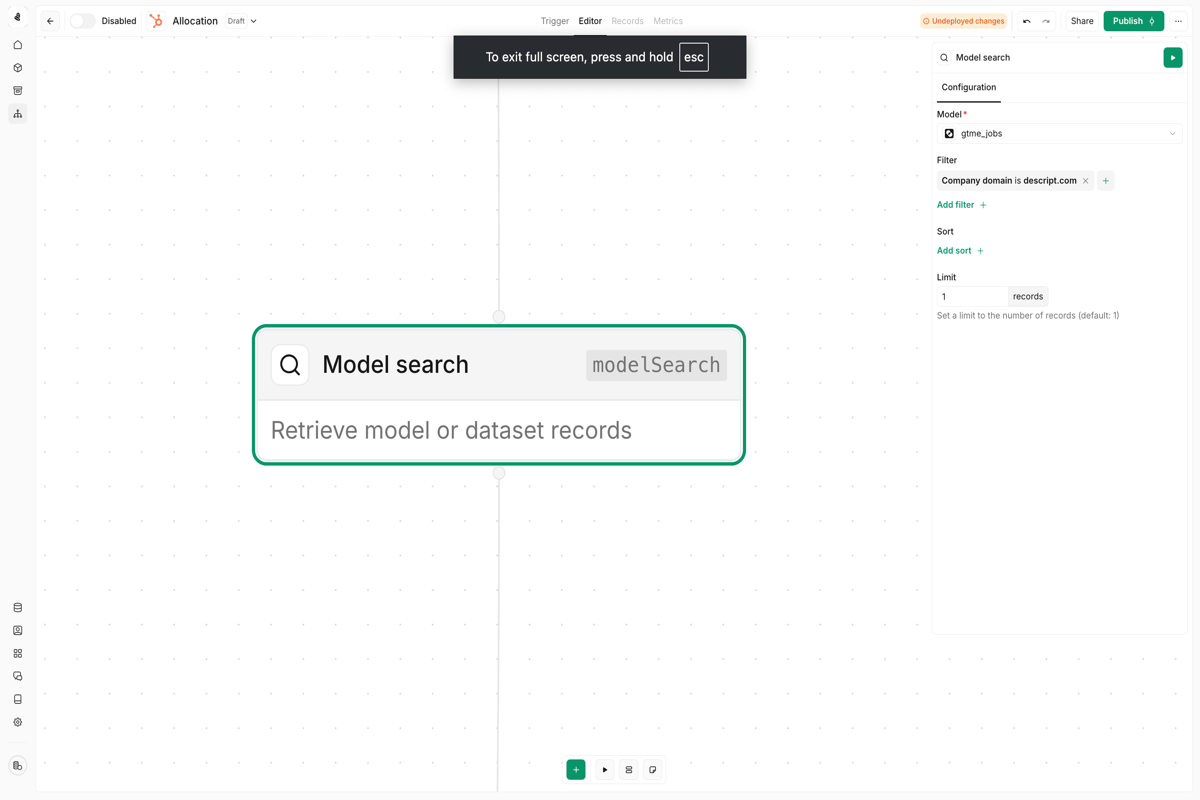
Model search node
| Use case | Example |
|---|---|
| Find related records | Look up all contacts at a company when a deal is created |
| Check for duplicates | Search for existing leads before creating new ones |
| Aggregate data | Retrieve all recent activities for a given account |
| Cross-reference | Match records between different data sources |
Configuring search criteria
Define your search by specifying:- Model — The data model to search (e.g., Contacts, Companies, Deals)
- Filters — Conditions that records must match
- Limit — Maximum number of records to return
- Sort — Order results by a specific field
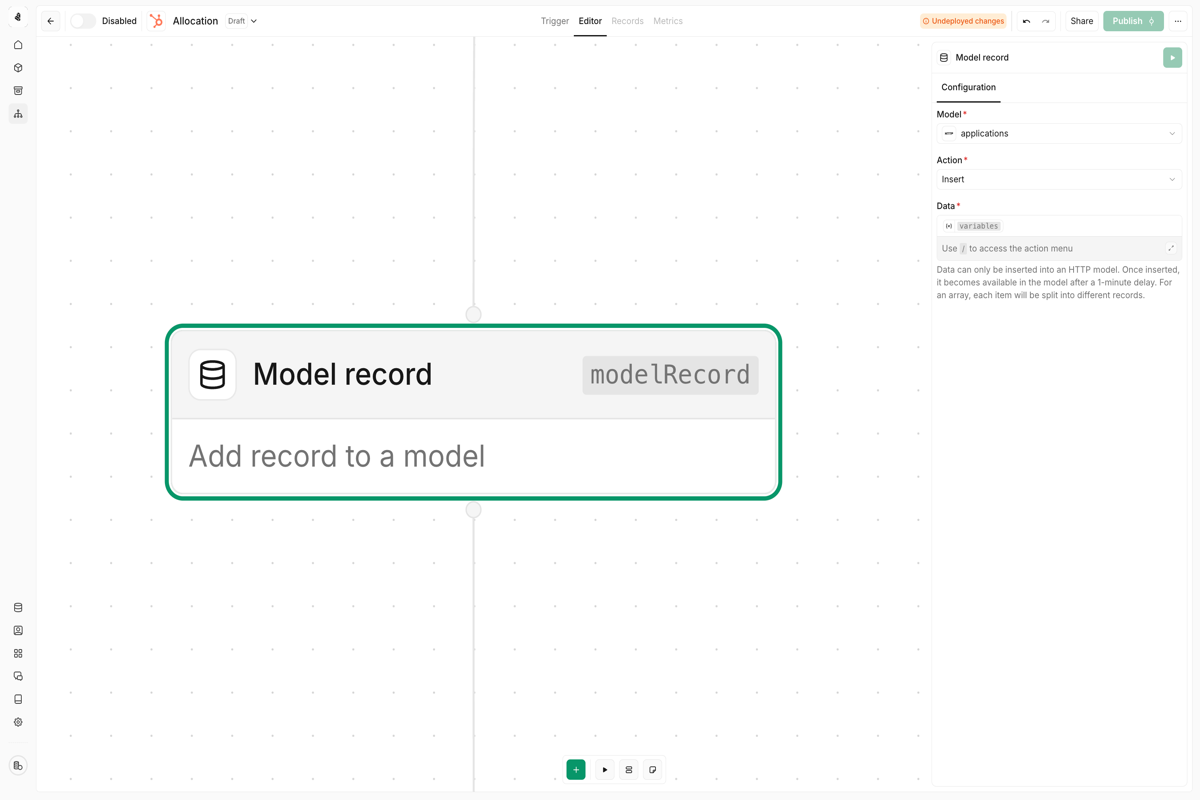
Model record node
Supported data models
| Model type | Support |
|---|---|
| HTTP models | ✅ Full support for creating records |
| Custom models | ✅ Full support for creating records |
| CRM models (HubSpot, Salesforce, etc.) | ❌ Use dedicated write nodes instead |
| Warehouse models (Snowflake, BigQuery) | ❌ Read-only |
Data type behavior
When you create a new record, the first value written to each field determines its data type. This type cannot be changed afterward, so plan your schema carefully before writing production data.Model custom column node
- Lead scoring values calculated by your plays
- Enrichment timestamps for tracking data freshness
- Processing flags like
needs_revieworoutreach_sent - Aggregated metrics from other data sources
Configuration
| Property | Description |
|---|---|
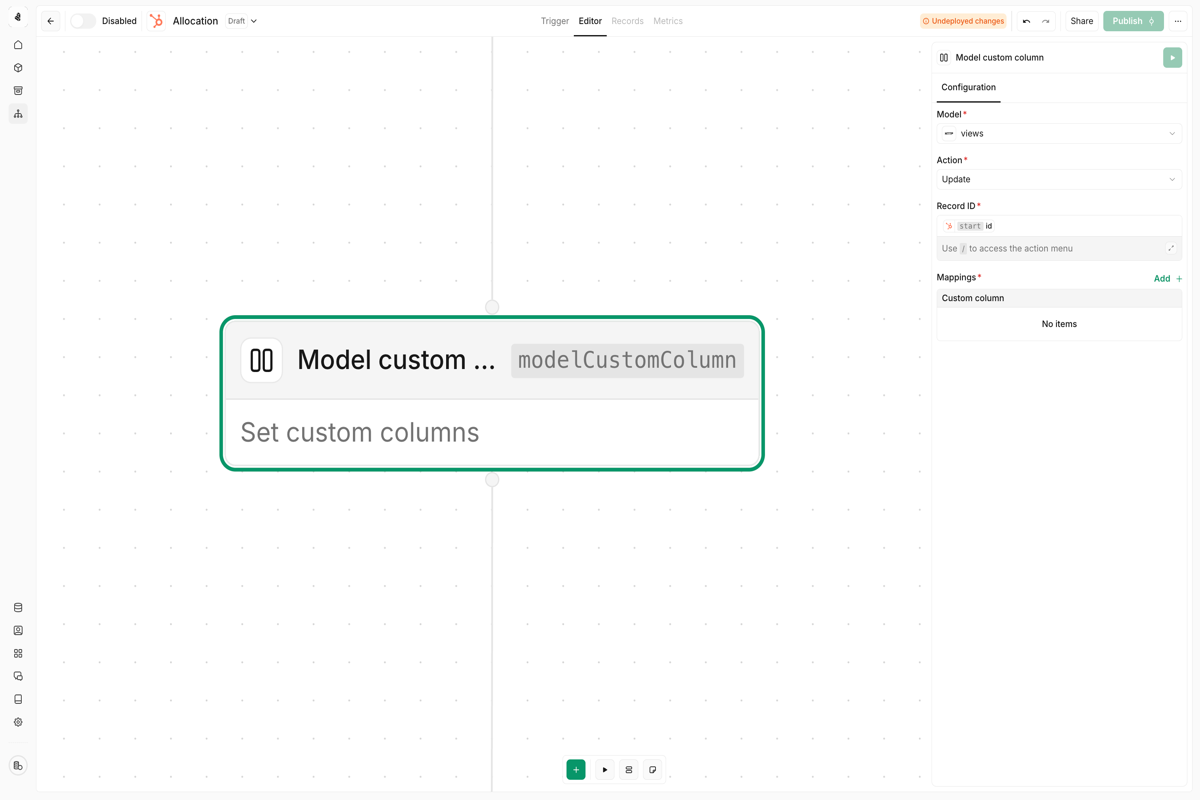
| Model | The data model to extend with a custom column |
| Record ID | The primary identifier of the record to update |
| Column name | Name for the custom column (creates it if it doesn’t exist) |
| Value | The data to write to this column |
Finding the correct record ID
The Record ID field requires the primary identifier from the target data model:| Scenario | How to get the ID |
|---|---|
| Same data model as play trigger | Use {{nodes.start._id}} |
| Different data model | Use a Model Search node to find the record, then reference its ID |
| Known external ID | Use the external system’s ID (e.g., HubSpot contact ID) |
If you’re updating records in the same data model that triggered your play,
{{nodes.start._id}} is the simplest approach. For cross-data-model updates, always use a Model Search node first to locate the target record.Memory node
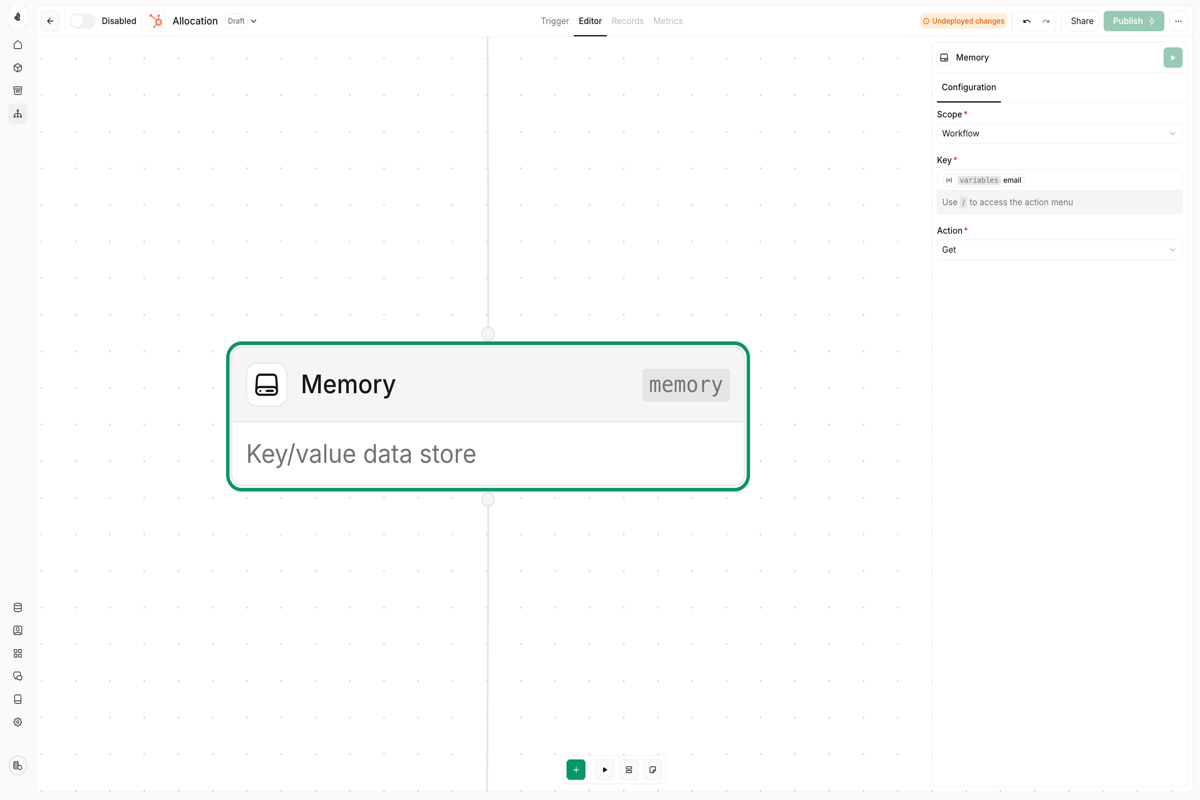
Scope options
| Scope | Behavior |
|---|---|
| Workspace | Data is shared across all plays in your workspace |
| Play | Data is isolated to the current play |
Available actions
| Action | Description |
|---|---|
| Get | Retrieve a value by its key |
| Set | Store a value at a key (overwrites existing) |
| Get or Set | Return existing value, or set a default if none exists |
| Increment | Add to a numeric value (useful for counters) |
| Decrement | Subtract from a numeric value |
| Remove | Delete a key and its value |
Best practices
Use Model Search to validate before writing
Use Model Search to validate before writing
Before creating or updating records, search for existing entries to prevent duplicates. This is especially important when processing data from multiple sources.
Store enrichment metadata in custom columns
Store enrichment metadata in custom columns
Track when records were last enriched, which providers were used, and whether the enrichment succeeded. This helps you avoid re-processing records unnecessarily.
Scope memory appropriately
Scope memory appropriately
Use play-scoped memory for play-specific state (like deduplication within a run) and workspace-scoped memory for cross-play coordination (like global rate limiting).
Handle empty search results
Handle empty search results
Model Search nodes can return zero results. Add a Branch node to check for empty results and handle them gracefully—either skip processing or create a new record.