

How to set up Attio
Required permissions
Required permissions
- Read and write records - Read object configuration - Read list entries - Read and write comments - Read and write notes - Read and write tasks - Read user management settings - Read list configuration
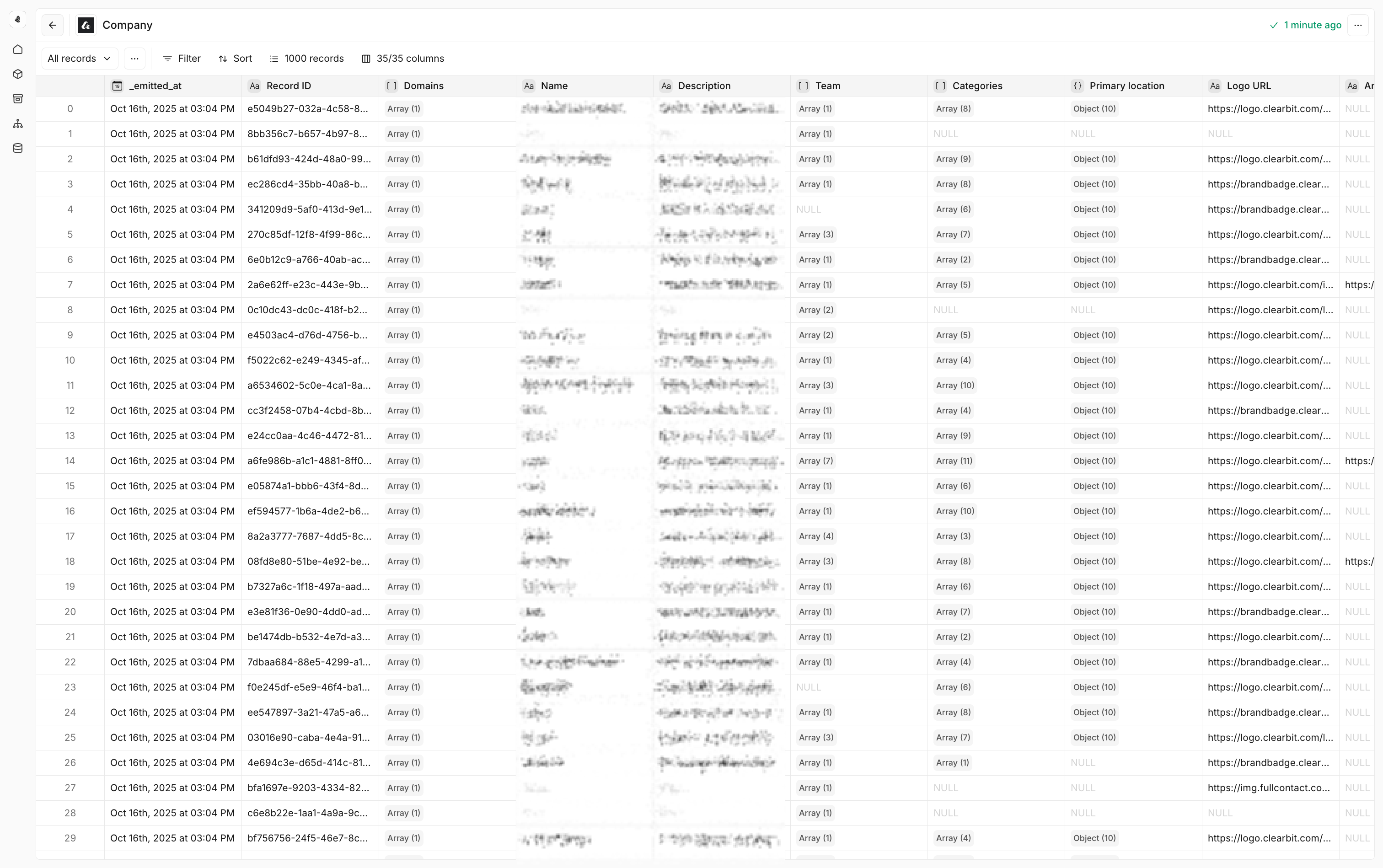
- Set up an Attio data model — Create data models from your Attio objects to trigger Plays and power model search actions.
- Use Attio in workflows — Choose Attio from the node catalog within a Play, Tool, or Agent.
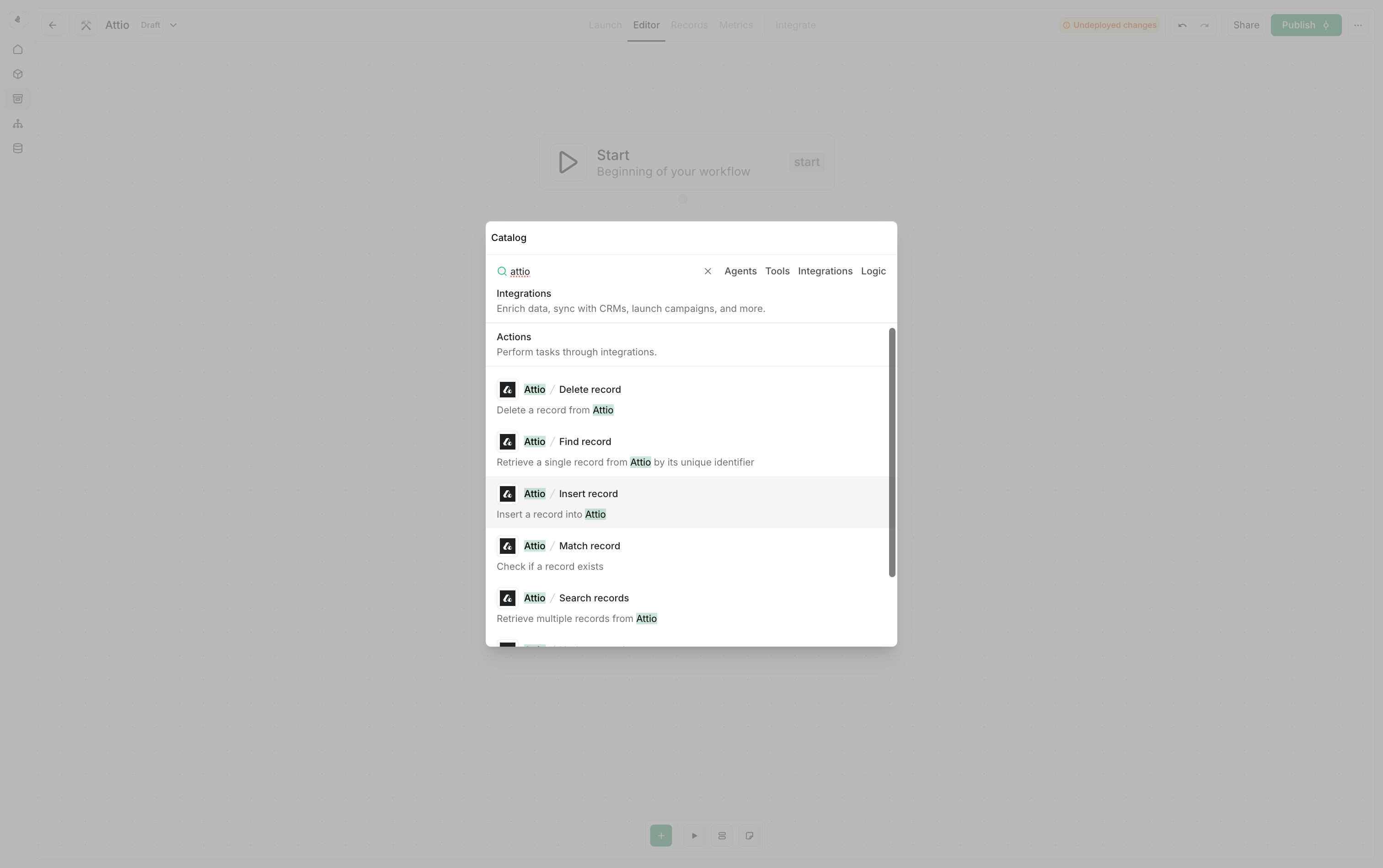
Attio actions
Insert record
- Lead capture – Create new leads from various sources and channels
- Contact creation – Add new contacts from forms, events, or imports
- Company creation – Add new companies from forms, events, or imports
Find record
Retrieve a single record from Attio by its unique ID. Use cases- Record lookup – Get specific record details for processing workflows
- Data validation – Verify record existence before performing operations
Match record
Check if a record exists in Attio based on matching criteria. Use cases- Duplicate prevention – Avoid creating duplicate records
- Smart routing – Route records based on existing data
Use Match record before Insert record to implement an upsert pattern
for single records.
Find records
Find records matching the given criteria. Define multiple matching criteria—the action searches for records that match any of the provided values. Empty values are automatically skipped. Use cases- Multi-identifier matching – Search by domain, LinkedIn URL, or company name
- Flexible lookups – Find records using whichever identifiers are available
- Data quality handling – Provide multiple identifiers to maximize match rates
Search records
Retrieve multiple records from Attio based on search criteria. Use cases- Advanced filtering – Find records meeting specific criteria
- Bulk operations – Retrieve multiple records for processing inside a group node
Update record
Update an existing record in Attio. Use cases- Data enrichment – Keep record information current and accurate
- Lifecycle management – Update record stages and statuses
Upsert records
Upsert multiple records into Attio (insert or update based on matching criteria). Use cases- Bulk data operations – Insert records in bulk while avoiding duplicates
- Data synchronization – Keep external systems synchronized with Attio
Merge records
Merge two records of the same object into a new Attio record. When both source records have a value for the same attribute, the primary record’s value takes precedence. The secondary record’s values fill attributes that are empty on the primary record. Configuration- Object type: Select the object shared by both records
- Primary record ID: The record whose values take precedence
- Secondary record ID: The record whose values fill missing primary values
Delete record
Delete a record from Attio. Use cases- Data cleanup – Remove outdated or incorrect records programmatically or in batches
Attio data models
Cargo allows you to create data models on top of your Attio CRM data that can be used to trigger Plays and power model search actions.Creating Attio data models
Object types available
Deal models
Deal models
Use cases - Track opportunities, pipeline stages, and deal progression -
Monitor deal velocity, conversion rates, and forecasting - Analyze win/loss
patterns and sales performance
Company models
Company models
Use cases - Manage company records with domains, descriptions, and team
information - Track company categories, locations, and relationships -
Monitor company engagement and lifecycle stages
Person models
Person models
Use cases - Handle contact and lead information - Track individual
engagement and communication history - Manage contact lifecycle and
qualification status